Local AI for Australian Small Businesses: The Real Cost in 2026
Cloud AI subscriptions are getting more expensive in 2026. See what local AI costs Australian small businesses and what hardware suits different workloads.
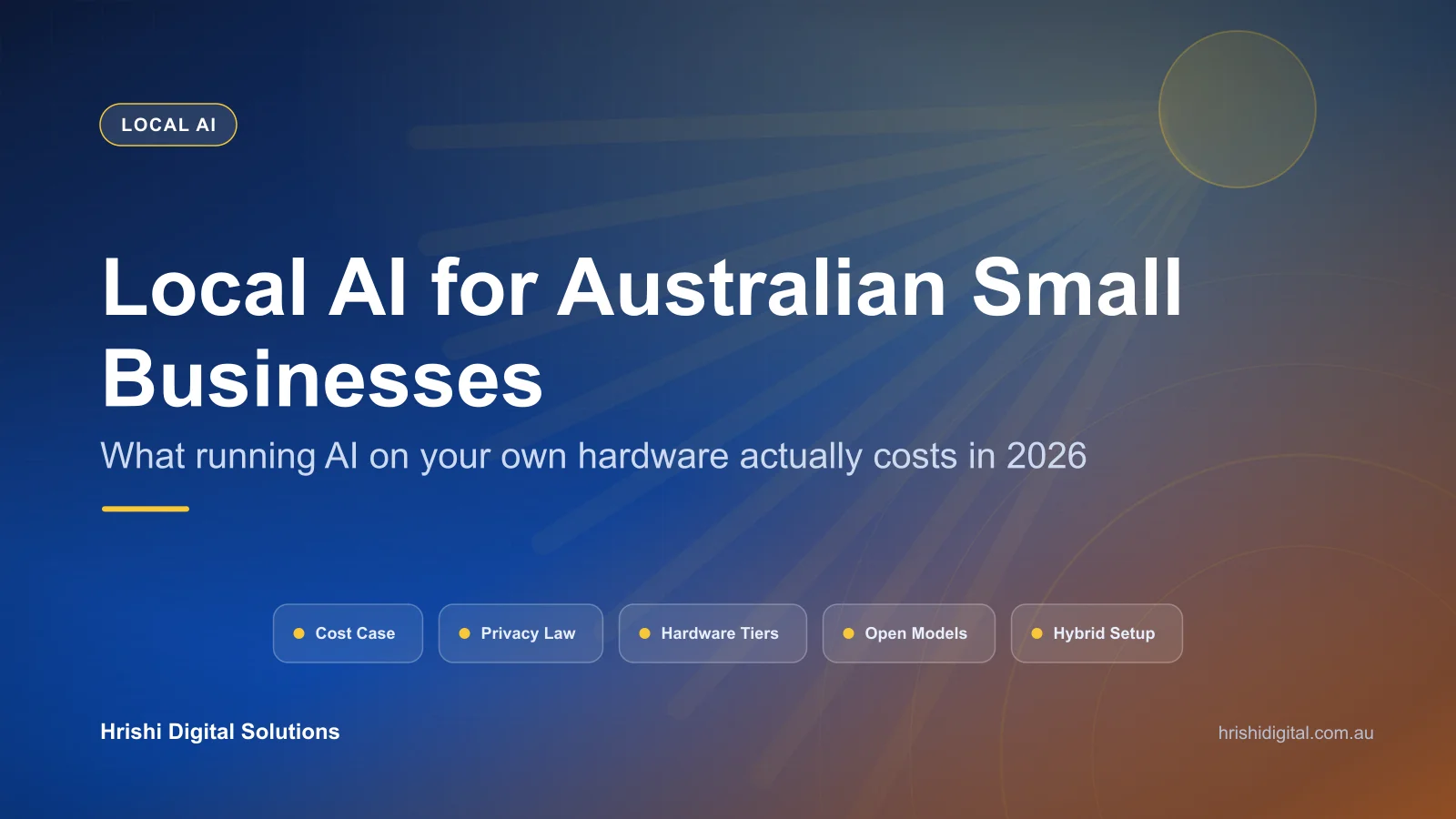
Cloud AI became affordable quickly, and its pricing is now becoming more complex. Here's what it costs to run AI on your own hardware, what setup involves, and why changes to Australian privacy law make the decision increasingly relevant.
Two years ago, an AI subscription starting at A$30 per user per month gave a small business access to capabilities that once required a research budget. That era of simple, predictable pricing is ending. Microsoft raised prices for affected Microsoft 365 commercial plans by 5 to 43 per cent from July 2026 while expanding Copilot Chat features across many plans. GitHub Copilot moved to metered "AI Credits" the same year, so the bill can now scale with how much your team uses the tool rather than remaining a flat seat price.
This does not look like a temporary blip. After years of aggressive customer-acquisition pricing, providers are putting more of the cost of heavy AI usage into subscriptions and metered plans.
At the same time, Australian privacy law is tightening around the kinds of data small businesses paste into AI tools every day: customer records, contracts, financial figures, and staff details. Running AI locally on infrastructure you control is no longer a niche option for businesses with a server room. It is becoming a genuine alternative for businesses that want more predictable costs and greater control over their data.
This is the first article in a series on local AI for Australian small businesses. It covers what has changed, what local AI costs, and which hardware and models make sense. Later parts will cover connecting local AI to your own documents, a detailed cost calculator, and the compliance considerations.
What "local AI" actually means
Local AI means running an AI model on hardware you control, in your office or on your own network, instead of sending every request to a cloud provider's servers. The model does not necessarily have to be a major step down. Open-weight models, which developers publish for others to download and run under specific licence terms, are catching up quickly with proprietary cloud models. They are already capable of many common small-business tasks: drafting, summarising, searching internal documents, and extracting structured data from invoices and forms.
It doesn't mean giving up cloud AI entirely. Most businesses that go this route end up running a mix: routine, repetitive, or sensitive work handled locally, and only the occasional task that genuinely needs the biggest, most capable model sent to the cloud. We've covered the workflow side of this in our piece on practical AI automation for Australian SMBs. Local AI changes where the model runs, not the automation patterns around it.
Why cloud AI subscriptions are getting more expensive
Three developments accelerated in 2026, and together they explain why simple, low-cost AI plans are becoming less common.
Usage-based charges are being added to per-seat pricing. GitHub Copilot introduced usage-based billing in June 2026. Each plan includes a monthly allocation of AI Credits, with additional usage billed when an extra spending budget is enabled. As usage-based components expand, costs can grow with activity rather than remaining entirely fixed, making them harder to predict at budget time.
Prices rose across affected Microsoft 365 plans. Selected Microsoft 365 commercial plans increased by 5 to 43 per cent from 1 July 2026, although standalone Microsoft Teams and Copilot products were excluded from this pricing update. Existing customers remain on their current pricing until renewal, so some Australian small businesses may not see the change immediately. If you are weighing that renewal now, our guide to buying Microsoft 365 locally covers where the waste usually sits.
Usage limits can apply even to flat-fee plans. Several major AI providers enforce usage caps or peak-time limits on some plans. A subscription that feels unlimited during light use may reach those limits once AI becomes part of everyday operations.
None of this makes cloud AI a bad deal. For light or occasional use, it is still usually the least expensive option. But costs can accumulate quickly when a whole team uses AI every day for document processing, customer replies, or code.
The privacy problem changing the calculation
Australia's privacy regime is changing quickly, and further reform is coming.
Maximum civil penalties for a serious or repeated interference with privacy were increased in 2022. For a body corporate, the maximum is the greater of $50 million, three times the benefit obtained from the contravention, or, if that benefit cannot be determined, 30 per cent of adjusted turnover during the breach period. Separately, the Privacy and Other Legislation Amendment Act 2024 introduced a statutory tort for serious invasions of privacy, which commenced on 10 June 2025.
Two changes matter specifically for anyone using AI tools with customer or staff data:
- From 10 December 2026, APP entities must include information in their privacy policies if they use personal information in automated decision-making that could reasonably be expected to significantly affect an individual's rights or interests.
- On 31 August 2026, the government released a consultation paper and exposure draft legislation for the second tranche of reforms. The proposals include a fair and reasonable use test, stronger consent standards, a right to erasure, and limits on trading in personal information.
Most small businesses with annual turnover of A$3 million or less remain exempt from the Privacy Act, although exceptions apply. The government has agreed in principle that the exemption should eventually be removed, subject to further consultation. Even if your business is currently exempt, applying sound privacy practices now can reduce risk and make future compliance easier.
The central issue is not whether AI is inherently dangerous; it is where business data goes and who controls it. Prompts and documents sent to a cloud AI service are processed under that provider's infrastructure, settings, and terms. A properly configured local setup can keep prompts and documents within your controlled environment, reducing disclosure to third-party AI providers. Integrations, telemetry, remote APIs, and backups must also be configured accordingly.
Is local AI actually cheaper than cloud AI?
For a small team using AI heavily, it can be cheaper and may break even within 12 to 24 months. The comparison below uses indicative figures because subscription prices, usage, hardware configurations, and support requirements vary.
| Cloud AI subscriptions | Local AI hardware | |
|---|---|---|
| Cost structure | Ongoing, per seat or per use | Upfront hardware plus operating and support costs |
| Typical Year 1 cost (5 users) | Roughly A$1,500 to A$4,000+, depending on products and usage | A$3,000 to A$8,000+, depending on hardware tier |
| Year 2 onward | Ongoing subscription and usage charges | Electricity, maintenance, support, and eventual hardware replacement |
| Usage limits | Per-seat caps, metered credits, or throttling at peak times | Hardware capacity, context, and concurrent-user limits |
| Where your data goes | Processed on provider infrastructure, subject to plan and settings | Can remain in your controlled environment when properly configured |
The break-even point depends on how heavily your team uses AI and what it costs to operate and support the local system. A business with one or two people making occasional chat queries may not recover the hardware cost quickly, so cloud AI can remain the better fit. A business using document processing, internal search, or coding assistance across a whole team every day may break even within 12 to 24 months. After that point, its marginal usage costs can be low, but the system is not free to operate.
What hardware do you need to run AI locally?
The good news for small business owners: you don't need a server room. The hardware that makes local AI practical arrived on desks, not racks, in 2025 and 2026.
Apple Mac Studio (M5 Max and M5 Ultra)
Apple refreshed the Mac Studio on 25 August 2026, shipping from 22 September 2026, with two chip options built around large memory pools rather than raw clock speed:
- M5 Max: 18-core CPU, up to a 40-core GPU, up to 128GB of unified memory, from US$2,499.
- M5 Ultra: up to a 36-core CPU, 80-core GPU, up to 512GB of unified memory (that top memory tier arrives in late October 2026), from US$5,499.
Unified memory matters for AI because the CPU, GPU, and memory share the same pool, so a large model can load entirely into fast memory without needing several expensive graphics cards. In Australia, a heavily configured M5 Ultra already costs about A$28,000 before the 512GB tier is added, so this is a "pick your tier" decision rather than a single price point. The base M5 Max configuration is the realistic entry point for most small businesses, and multiple Mac Studios can be linked over Thunderbolt 5 if you later need more capacity than one machine offers.
Best suited to: everyday office AI work: document search, drafting, internal knowledge lookups, and running several models or users off one machine at once.
NVIDIA DGX Spark
NVIDIA's DGX Spark takes a different approach: a dedicated AI computer built around the GB10 Grace Blackwell superchip, rather than a general-purpose workstation that happens to run AI well.
- 128GB of unified LPDDR5x memory
- Up to 1 petaflop of FP4 AI performance
- 4TB NVMe storage
- ConnectX-7 networking that lets two units link together for larger models
- About the size of a paperback book, weighing 1.2 kg
US pricing for the Founders Edition rose from US$3,999 to US$4,699 in February 2026 after global constraints in memory supply. Australian pricing may be around A$7,000 to A$8,500 after currency conversion, GST, and reseller costs, although you should check with a local reseller for a firm figure. Because it runs NVIDIA's DGX OS and CUDA stack natively, it is the stronger choice if someone on your team wants to fine-tune models rather than simply run them off the shelf.
Best suited to: businesses doing genuine AI development work, not just using AI as a tool. Software teams, agencies, and anyone planning to customise models against their own data.
Entry-level GPU workstation
For a smaller budget, a PC with a single NVIDIA RTX 4090 or 5090 can run the smaller end of the current open-model range comfortably. Depending on quantisation and available memory, models in the 8B to 32B range can cover drafting, summarising, and lighter document work well. Check current Australian component pricing before budgeting because GPU prices vary significantly.
Best suited to: a single user or small team wanting to try local AI without committing to Apple or NVIDIA's higher tiers first.
Do I need a data centre or dedicated IT staff to run this?
Usually not. Every option above is a single desktop machine that plugs into a normal power outlet and can sit on your existing network. Setup and maintenance take technical knowledge, particularly when selecting models, managing access, securing data, and connecting the system to existing tools. A small deployment will not usually require a server room, specialist cooling, or a full-time IT hire.
What software actually runs the models
Hardware is only half the setup. The software layer is what turns a powerful machine into something your team can actually use:
- Inference engines like Ollama or LM Studio host the model itself and serve it as an API on your local network.
- Interface layers like Open WebUI or AnythingLLM give staff a familiar, browser-based chat interface, with user permissions if you need them.
- Retrieval (RAG) connects the model to your own PDFs, policies, and past records, helping staff receive answers grounded in your business rather than relying only on the model's general training. We'll cover this properly in Part 2 of this series, and the architecture behind it is in our guide to vector databases for mission-critical RAG.
Many core tools are free or open source, although support, enterprise features, and some licences may cost extra. Hardware is usually the largest upfront investment, but it is not the only cost to plan for.
Which AI models actually run well on local hardware?
Open-weight models, which you download and run rather than access only through a hosted API, are catching up quickly with proprietary cloud models. Leading families in 2026 include Meta's Llama 4, Alibaba's Qwen3, DeepSeek's V3 and R1 lines, Zhipu AI's GLM, OpenAI's gpt-oss, and Google's Gemma. Licensing varies between them; some are permissive, while others carry specific commercial terms. Check the exact model and software licences for your use case before deployment.
| Business task | Model family to consider | Hardware tier | What it's actually good for |
|---|---|---|---|
| Internal document search and knowledge lookup | Qwen3 or Llama 4 Scout | Entry workstation or Mac Studio M5 Max | Staff finding answers in SOPs, policies, and past jobs without digging through folders |
| Drafting and summarising | Gemma 3 or Llama 4 | Entry workstation | Email drafts, meeting notes, first-pass content |
| Invoice and document data extraction | Qwen3 vision variants | Entry workstation or Mac Studio M5 Max | Pulling structured data out of PDFs and scanned forms |
| Code assistance | DeepSeek V3.2 or gpt-oss | Mac Studio M5 Max/Ultra or DGX Spark | Local, private code completion and review without sending source code to a third party |
| Long, complex document review | DeepSeek R1 or GLM | DGX Spark or Mac Studio M5 Ultra | Contract review, long reports, and multi-step reasoning tasks |
These match the categories of work we already automate for clients using lightweight cloud-hosted models, covered in our AI automation guide and our walkthrough of intelligent document processing. Local AI changes where the model runs. The surrounding automation logic, reading a document, deciding what to do with it, and writing the result somewhere useful, stays largely the same.
Is local AI as good as ChatGPT or Claude for everyday work?
For well-defined tasks, a suitable local model can produce results comparable to a cloud service, although quality varies by model, model size, quantisation, and configuration. The largest proprietary models still tend to lead on the hardest reasoning tasks, novel research questions, and the latest capabilities. For many small businesses, a hybrid setup works well: local AI for routine or sensitive work and cloud AI for the occasional problem that needs a leading model.
How long does it take to break even on local AI hardware?
A small team using AI daily for document processing, drafting, or code work may recoup the hardware cost within 12 to 24 months compared with equivalent cloud services. The actual period depends on usage, hardware, electricity, maintenance, and support. A business using AI lightly or occasionally will take longer to break even and may be better served by cloud subscriptions for now.
Where this series is headed
This overview sets up three more practical pieces:
- Connecting local AI to your own documents, so staff can search company knowledge privately without uploading documents to an external AI provider. This part is now published: How to Train AI on Your Business Data Without Sharing It.
- A proper cost calculator, comparing three years of cloud subscription costs against local hardware for a typical 10-person business.
- The compliance side in detail, covering exactly what the December 2026 disclosure requirement means in practice and how to prepare for it.
Key takeaways
- Cloud AI costs are becoming less predictable as providers add usage-based charges to subscription plans.
- Australian privacy law is adding transparency requirements for some automated decisions from 10 December 2026, with further reform already in draft.
- Local AI hardware has moved from expensive server racks to desktop machines. Systems such as the Apple Mac Studio and NVIDIA DGX Spark have enough memory to run capable models locally.
- Open-weight models are catching up quickly and already handle many day-to-day business AI tasks well. The largest proprietary models still lead on the most demanding reasoning and research work.
- A team using AI heavily may break even on local hardware within 12 to 24 months, but electricity, maintenance, support, and replacement costs still apply.
Not sure if local AI makes sense for your business yet?
It depends on how your team uses AI today, and that is worth understanding before spending anything on hardware. Book a free 30-minute call and we'll look at what you use now, what it costs, and whether local AI, cloud AI, or a hybrid setup fits your business. If cloud AI is still the better answer, we'll tell you that too. You can also see how we approach this work on our AI and workflow automation service page.
Hrishi Digital Solutions
Enterprise web application and AI automation specialists in Darwin and Perth. We help Australian businesses and government agencies choose between cloud and on-premise AI on cost and compliance, not hype.
Contact Us →