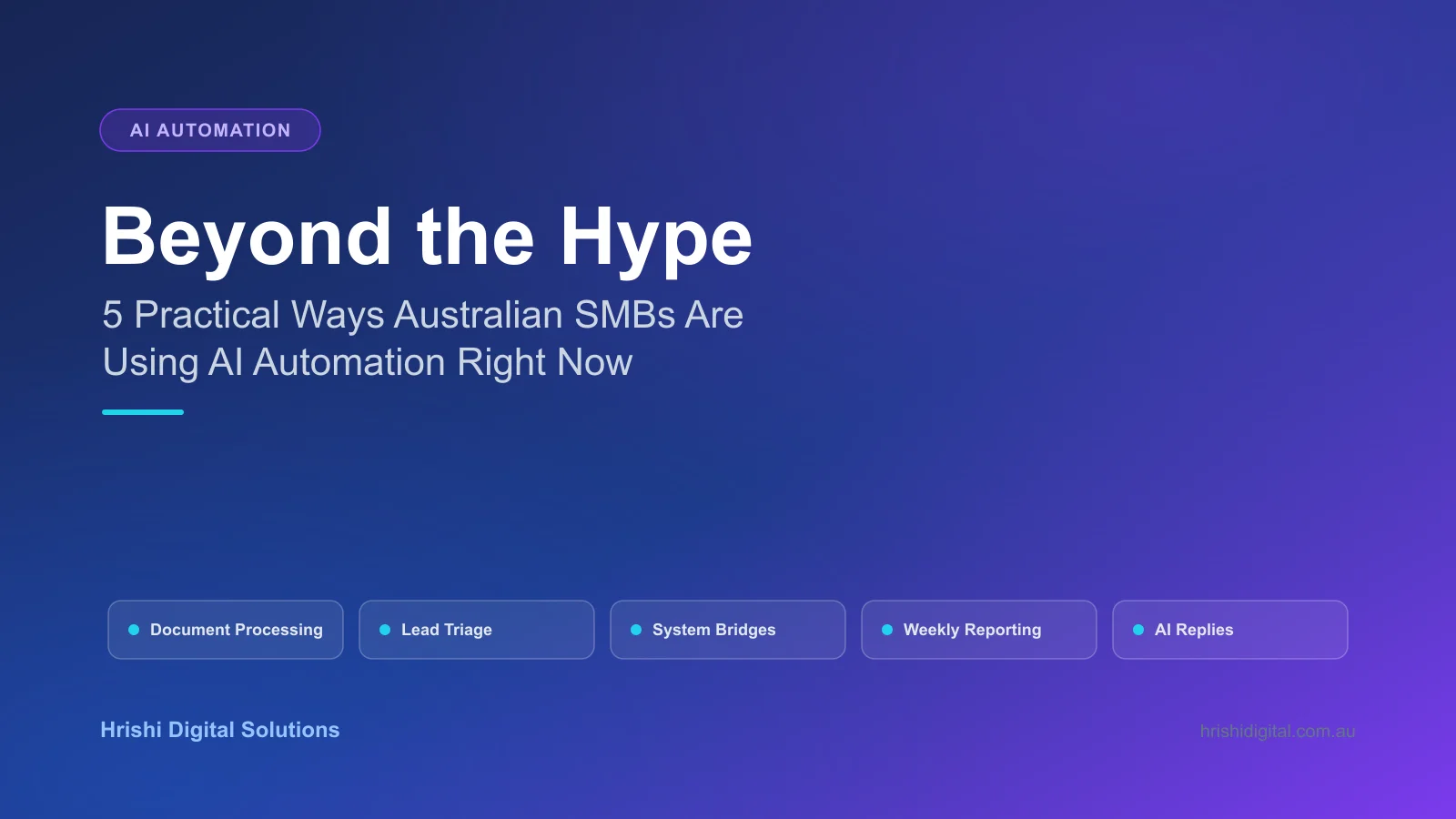
Beyond the Hype: 5 Practical Ways Australian SMBs Are Using AI Automation Right Now
Forget chatbots. Here are 5 backend AI automation workflows Australian SMBs are using in 2026 to cut admin hours, from document processing to lead triage.
Most small business owners hear "AI" and picture a chatbot bolted onto their website, or a subscription they don't have the headcount to manage. That's not where the real return is. The AI automation actually saving Australian SMBs hours every week runs quietly in the background, connecting the systems you already use so staff stop re-typing the same data three times a day.
This article covers five automation patterns we build for clients on n8n, the workflow engine that sits behind most of our Workflow & AI Automation work. Each one solves a specific, recurring admin problem rather than a hypothetical one.
What is AI workflow automation for a small business?
AI workflow automation connects your existing tools (email, CRM, accounting software, forms) through a platform like n8n, using AI to handle the judgement calls a simple "if this then that" rule can't: reading a messy PDF, deciding which team a lead belongs to, or drafting a first-pass reply. It runs in the background, with no new app for staff to log into.
1. Automated Document Processing
The problem: Invoices, supplier statements, and client intake forms arrive as PDFs, scanned images, or email attachments in a dozen different layouts. Someone on your team opens each one and retypes the numbers into Xero, MYOB, or a CRM.
The automation: An AI model reads the incoming document, no matter the layout, pulls out the details you need (ABN, invoice number, line items, totals), and writes them straight into your accounting or CRM system. Anything it isn't sure about gets flagged for a person to check, rather than guessed and left wrong.
For a trades or services business processing 40 to 60 supplier invoices a month, this typically removes 6 to 10 hours of manual data entry, and it stops the transposition errors that come from tired eyes at 4pm on a Friday. We've covered the deeper technical pattern in our guide to intelligent document processing in 2026 if you want the architecture behind it.
2. Intelligent Lead Triage
The problem: Website enquiries land in a shared inbox. By the time someone reads them, categorises the request, and forwards it to the right person, a competitor has already called the lead back.
The automation: As soon as a form is submitted, an AI step reads the message, classifies it (quote request, support issue, general enquiry, spam), scores the urgency, and routes it to the right team member with a drafted first reply ready for a quick edit and send. High-value or time-sensitive leads can also trigger an internal Slack or WhatsApp alert.
The result most clients notice first isn't fewer leads lost, it's speed. Cutting the gap between "form submitted" and "first reply sent" from hours to under five minutes is one of the biggest wins a small sales team can make, because how fast you reply is one of the strongest predictors of whether a lead turns into a customer.
3. System Bridges Between Old and New Software
The problem: Your business runs on a mix of software that was never designed to talk to each other: a 10-year-old practice management system, a modern CRM, an accounting package, and a booking tool. Staff manually copy data between them because no native integration exists.
The automation: This is where n8n earns its place over simpler drag-and-drop tools. It acts as the glue layer, calling APIs, reading databases, and even scripting logic where needed, to move data between systems that were never built to connect. A booking made in one tool can automatically create a client record in another, update a spreadsheet, and send a confirmation, without anyone touching a keyboard.
This matters more for Australian SMBs than most automation marketing admits. Many regional and government-adjacent businesses run older, specialist software that simply isn't supported by simpler, consumer-facing automation apps. A flexible tool that can connect to almost any system is often the only realistic option.
A common example we see in Darwin and across the NT: a clinic or trade business running an older booking or job-scheduling system alongside a newer CRM added years later. Staff end up doing the connecting work themselves, typing the same booking or job into both systems by hand. A system bridge removes that step for good, and because it sits outside either piece of software, it keeps working even if you later replace one of the two systems.
4. Weekly Reporting Pulled From Separate Systems
The problem: Producing a weekly ops report means logging into three or four systems, exporting spreadsheets, and manually pasting numbers into a document or email before the Monday meeting.
The automation: A scheduled workflow pulls the relevant figures directly from each system (bookings, revenue, support tickets, stock levels), assembles them into a formatted summary, and sends it to the right people automatically. Some clients have this delivered as a WhatsApp or email digest waiting for them before the week starts.
This one rarely gets requested on its own. It's usually the by-product of automating the systems in points 1 to 3: once your data already flows through a workflow engine, reporting on it is a small additional step rather than a new project.
5. AI-Drafted Customer Communication
The problem: Repetitive customer messages, renewal reminders, booking confirmations, "where's my order" replies, take up time that doesn't need a human's full attention, but do need a human tone.
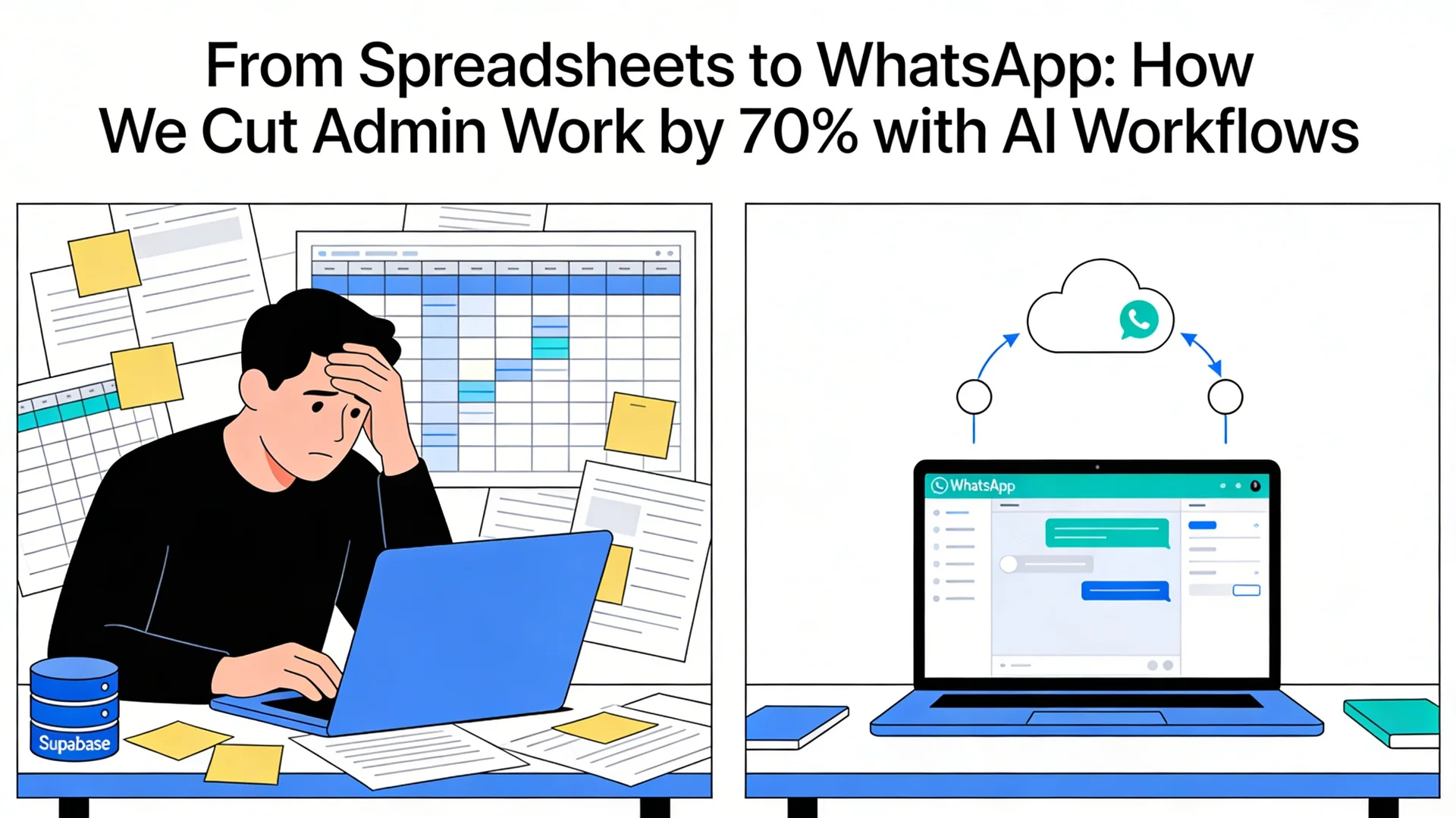
The automation: An AI step drafts the reply using your business's actual policies, tone, and the customer's real record (order status, membership expiry, booking details) pulled live from your system, not a generic template. Straightforward replies can send automatically; anything unclear or sensitive is queued for a person to review first. We've built this exact pattern for clients over WhatsApp, detailed in our WhatsApp admin automation case study, where it cut manual admin work by around 70%.
Why n8n instead of Zapier or Make for this kind of work?
n8n can follow several AI decisions in a row within one workflow, and connect to older or internal systems that simpler automation apps can't reach. It can also be hosted on Australian infrastructure, so client data stays local. We've written a full platform comparison in n8n vs Make vs Zapier for enterprise automation if you're evaluating platforms directly.
How much does AI workflow automation cost for a small business?
Cost depends on how many systems you're connecting and how much the AI needs to work out, not a per-seat licence fee. A single workflow, like automated invoice processing or lead triage, is usually a clearly defined, fixed-price project rather than an ongoing per-user subscription that grows with your team.
That's a real difference from tools like Zapier, where pricing is based on how many steps you run and climbs as your automation succeeds and does more work, effectively charging you more for the efficiency you were trying to buy.
How long does it take to set up an AI automation workflow?
A single, clearly defined workflow (one document type, one lead source, one report) usually takes one to three weeks from mapping out how the work happens now to a tested, live automation. Bigger system bridges connecting several older systems usually take four to eight weeks, mostly spent testing against real, messy data rather than building the workflow itself.
We don't recommend trying to automate an entire business in one go. The workflows that work well long-term are the ones kept small enough that staff can see the time saved within the first month, then built on from there once it's proven itself.
Do I need technical staff to maintain this?
No. The workflow runs on infrastructure we manage, or hand over fully documented if you'd rather run it yourselves. The AI, the connections between your systems, and what happens when something goes wrong are all built and tested before launch. Your team just keeps using what they already use (their inbox, their CRM, WhatsApp); the automation stays out of sight unless something needs a human decision, in which case it's flagged clearly instead of failing quietly.
Key Takeaways
- The AI automation that saves SMBs the most time is usually invisible: document processing, lead routing, and system bridges, not customer-facing chatbots.
- Response time on leads is one of the easiest wins to measure, and AI triage can cut it from hours to minutes.
- Connecting to older, internal systems matters more for regional and government-adjacent Australian businesses than for typical software companies, because their day-to-day tools are older and less standard.
- Fixing one or two workflows that cause the most pain first, rather than trying to "automate everything", is where most of the time savings show up.
Where to Start
You don't need a digital transformation project to get value from this. Most businesses get the biggest win from fixing one workflow: the one that eats the most hours every week or causes the most errors when someone's tired or away.
If you want to identify which of your workflows would benefit most, we offer a practical review of your current systems and where automation would save the most time. Book a free 30-minute call to talk through what's eating your team's week.
Hrishi Digital Solutions
Expert digital solutions provider specialising in modern web development, automation, and workflow optimisation for Australian small businesses and government.
Contact Us →