OpenClaw: Your AI Agent That Actually Gets Things Done
Three rebrands in five days didn't stop OpenClaw from becoming 2026's most talked-about automation tool. Here is the no-nonsense guide to setup, costs, and why your security team might be worried.
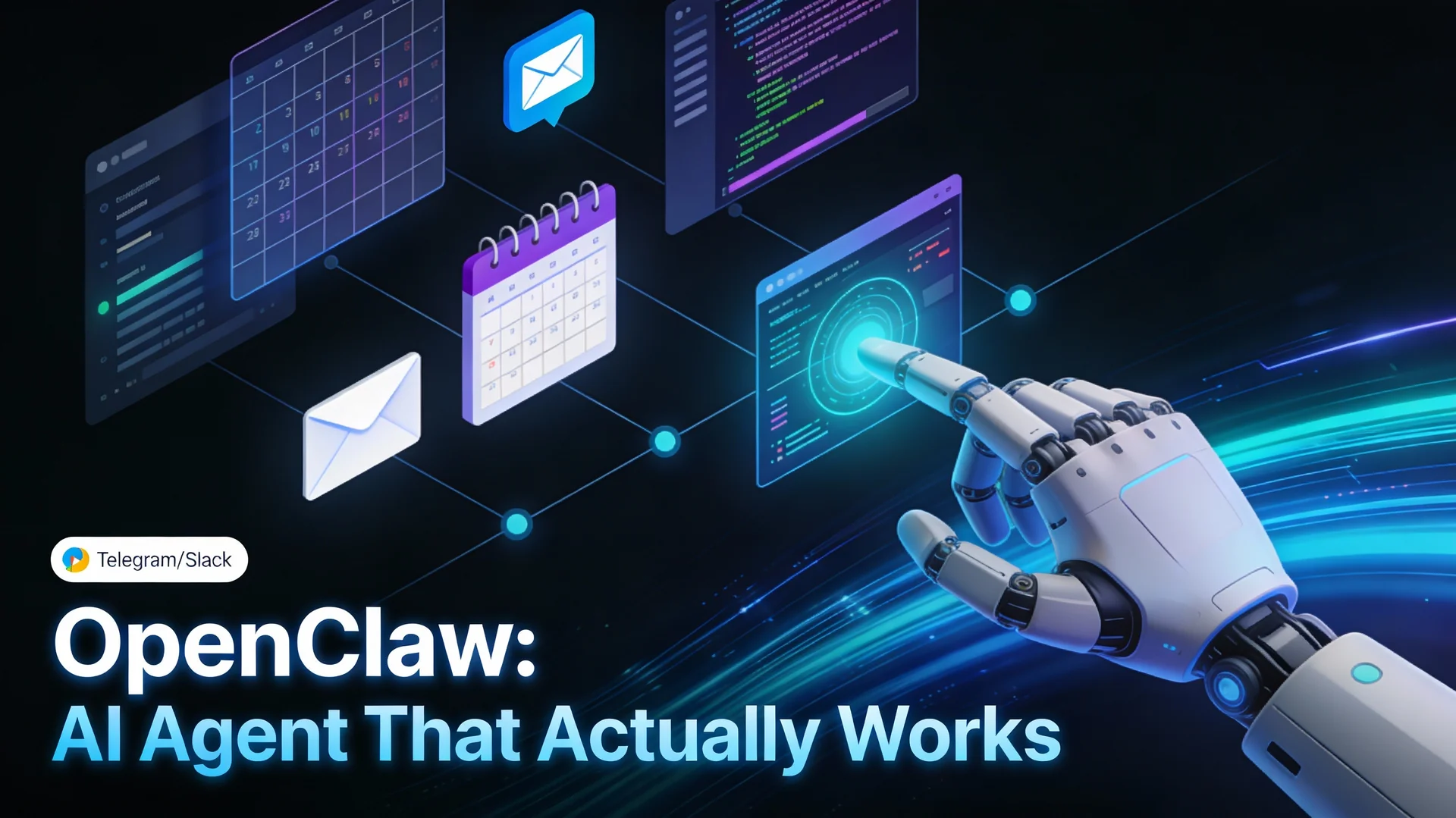
If you follow AI developments online, you probably saw OpenClaw (formerly Clawdbot, then Moltbot) trending hard in January 2026. The tool went through three rebrands in roughly 120 hours, faced security scrutiny, dealt with domain squatting, and still managed to capture genuine interest from developers, founders, and teams. The reason is simple: unlike most AI tools that sit behind a chat interface, OpenClaw actually automates work.
What Exactly is OpenClaw?
OpenClaw is an open-source, self-hosted AI agent created by engineer Peter Steinberger. Instead of asking you to log into a website and copy-paste answers, it integrates directly into messaging apps you already use (WhatsApp, Telegram, iMessage, Slack, Discord, Signal, and more). You can message it like a colleague, and it has three core capabilities:
- It remembers previous conversations and your preferences (persistent memory).
- It can run shell commands, manage files, control browsers, and automate tasks on your machine.
- It sends proactive notifications and alerts without waiting for you to ask.
Think of it less as a chatbot and more as a tireless digital employee that works 24/7, integrates with your existing tools, and improves over time as it learns your workflow.
Quick Specs: At a Glance
| Aspect | Specification |
|---|---|
| Licensing | Open Source (MIT License) |
| Primary Language | Node.js and TypeScript |
| Supported LLM Models | Claude, GPT-4, Gemini, Llama (via Ollama), local models |
| Architecture | Headless, self-hosted, local-first |
| User Interface | Messaging apps (WhatsApp, Slack, Telegram, Discord, Signal, iMessage, Teams, Google Chat, others) |
| Memory | Persistent across conversations (learns preferences) |
| Execution Model | Autonomous (runs in background, proactive alerts) |
| Cost Model | Free software plus API usage (Claude Haiku $3/mo, Opus $50/mo typical range) |
| Setup Complexity | Technical (requires Node.js, CLI, API keys) |
| Best For | Developers, founders, technical teams managing repetitive context-dependent work |
Why Did it Go So Viral?
Three factors created the perfect storm:
First, the rebrands themselves. The chaotic naming journey (Clawdbot to Moltbot to OpenClaw) became meme-worthy and got people talking. Some called it "the fastest triple rebrand in open-source history."
Second, the engineering. Most AI automation tools you hear about are either cloud-based proprietary platforms or visual-scripting RPA tools that break when interfaces change. OpenClaw takes a different approach. It is headless (no visual processing), runs locally, works with open LLMs, and costs nothing upfront.
Third, real results. Users immediately began sharing practical wins: automating email triage, drafting investor pitches in bulk, deploying code changes, fixing production bugs without human intervention, and routing customer issues to the right person. These were not screenshots of a polished UI. They were actual time savings.
In a world flooded with chatbot announcements, OpenClaw felt different because it actually did work.
Best Use Cases
For Individual Developers and Founders
- Email and inbox management. OpenClaw scans incoming mail, archives spam, prioritizes urgent items, and delivers a morning briefing via Telegram or WhatsApp. No more inbox overwhelm.
- Calendar conflict detection. It checks your schedule, spots double bookings, and suggests optimal meeting times.
- Daily briefings and alerts. Get your top three priorities, weather, stock prices, or system health checks delivered automatically before you wake up.
- Draft automation. Bulk write investor emails, customer responses, or meeting notes in minutes. (Human review still required.)
- Note organization. Pull scattered notes from Obsidian or Notion, tag them, organize them, and turn them into structured documentation hands-free.
For Development Teams
- Code review and pull request workflows. OpenClaw reads code diffs, suggests improvements, checks for common issues, and routes PRs to the right reviewer.
- Deployment automation. Run scripts, monitor logs, and handle rollbacks through natural language commands or scheduled workflows.
- Production monitoring. Check dashboards, error logs, and metrics hourly or daily. Only alert you when something is abnormal.
- Multi-agent orchestration. Coordinate multiple specialized AI agents (one for building, one for reviewing, one for deploying) to complete full features end-to-end. One developer reported completing work that once took a $100K-200K consulting engagement in a single day.
For Businesses and Customer-Facing Teams
- Customer support triage. OpenClaw reads incoming support emails, prioritizes complaints, classifies issues, drafts responses, and escalates when needed.
- Expense and invoice processing. Extract data from invoices regardless of format, categorize spending, fill out reimbursement forms, and route for approval. For structured approaches to this kind of work, see our guide to intelligent document processing in 2026.
- Slack or Teams monitoring. A bot watches your company chat, answers routine questions, escalates emergencies, and fixes bugs it spots in discussion threads.
Pros: Why OpenClaw Stands Out
True autonomy, not script-based rules. If email format changes, traditional automation fails. OpenClaw understands intent. If a customer uses words like "unsatisfied" instead of "complaint," it still recognizes the problem. It learns from failures and adjusts.
Open-source and no vendor lock-in. MIT licensed code. You own the setup. You can swap between Claude, GPT, Gemini, or local models based on cost and capability.
Privacy-first design. Your data stays local. OpenClaw just proxies messages to whichever LLM API you choose. No third-party platform storing your files or communications.
Cost control. No monthly subscription fees. You pay only for the API calls you use (plus a small VPS cost if you want always-on operation). Costs typically run $0-50/month depending on model choice and usage.
Always-on execution. Unlike web chatbots, OpenClaw runs in the background and proactively monitors conditions, sends alerts, and triggers workflows without your input.
Flexible LLM options. Use cheap models (Claude Haiku at ~$3/month) for routine tasks and reserve expensive models (Claude Opus at ~$50/month) for complex reasoning.
Multi-channel integration. Works with WhatsApp, Telegram, iMessage, Slack, Discord, Signal, Google Chat, Microsoft Teams, and others. Integrate it into workflows already in use.
Cons: Real Trade-Offs to Consider
Setup requires technical skill. Installation is command-line based and assumes familiarity with Node.js, APIs, and environment variables. Not suitable for non-technical users.
API costs can escalate. If your automation goes into retry loops or runs complex reasoning repeatedly, bills can spike. One documented case saw a developer wake up to a $120 charge from a failed pip install loop. Budget and set cost guardrails.
Hardware requirement. For always-on operation, you need a machine running continuously (often a Mac Mini, used one costs around $300-400, or a cloud VPS at $4-12/month).
Broad system permissions. OpenClaw needs access to files, shell commands, email accounts, and other sensitive systems. Misconfiguration or a malicious skill module can become a genuine security vulnerability.
Supply chain risk. The extensible skill architecture is powerful but means compromised community modules could enable privilege escalation or code execution. Careful vetting is essential.
Security not built-in. The project documentation itself states "there is no perfectly secure setup." OpenClaw has already faced issues with plaintext API keys exposed via endpoints and prompt injection attacks. Advanced users only.
Rapid evolution. The codebase changes quickly. Community modules may break with updates. Less stability than mature, proprietary tools.
Cost-benefit ratio. For simple, deterministic tasks (bank reconciliation, fixed-format data entry), traditional RPA is more cost-effective. OpenClaw shines for semantic understanding and adaptive workflows.
Security Considerations: Practical Hardening Steps
OpenClaw has drawn criticism from security researchers, and for good reason. It requires elevated permissions to be useful, which creates genuine risk if misconfigured. However, several hardening strategies can mitigate exposure:
Use Docker containerization. Run OpenClaw inside a restricted Docker container rather than directly on your host machine. This is the single most effective risk reduction. A container isolates the agent from your filesystem, preventing accidents like rm -rf / or unintended access to sensitive host files. Example setup:
FROM node:18-alpine
WORKDIR /app
COPY . .
RUN npm install
# Run with limited privileges
USER nobody
CMD ["npm", "start"]
Then mount only the directories the agent needs (documents folder, not entire system).
Rotate API keys regularly. Store credentials in environment variables, never in code. Rotate them weekly or monthly.
Vet all third-party skills. Before installing community modules, review source code on GitHub. Untrusted skills can become backdoors.
Set strict cost limits and monitoring. Use your LLM provider's dashboard to set usage alerts and hard limits. Prevent runaway bills.
Run in isolated sandbox environments initially. Test new automations on non-production systems before connecting live data or business-critical accounts.
Keep the codebase updated. Monitor the OpenClaw project for security advisories and apply patches promptly.
Avoid connecting sensitive systems on day one. Start with read-only tasks (log monitoring, email summarization) before granting write access to databases or APIs.
Hrishi's Pro Tip: The Smart Ramp-Up Path
Here is a mistake we see teams make: they design a sophisticated workflow that writes to their database or deploys code, hand it all to OpenClaw on day one, and then panic when something goes wrong.
Instead, start with read-only tasks. Let the agent monitor logs, summarize emails, check dashboards, and send alerts. Spend a week watching it make decisions. Build trust in its logic. Only after you are confident does it earn write access to business-critical systems.
This approach also surfaces configuration bugs and cost surprises early, before they affect production.
Cost Reality Check
OpenClaw is free to download and install, but total cost of ownership includes three layers:
- Hardware ($0-600 one-time, or $4-12/month for cloud hosting).
- API usage ($1-50/month depending on model and volume).
- Setup and maintenance time (hours upfront for configuration and security hardening).
Common cost profiles:
- Ultra-budget: Oracle Cloud free tier plus Claude Haiku ~$0-3/month.
- Stable and affordable: Hetzner VPS plus GPT-4 Mini ~$8-12/month.
- Premium experience: Dedicated hardware plus Claude Opus ~$50+/month.
Most individual users and small teams land in the $8-30/month range after setup.
OpenClaw vs Traditional RPA vs AutoGPT
If you are familiar with RPA tools like UiPath or Automation Anywhere, or competing AI agents like AutoGPT, here is how OpenClaw stacks up:
Traditional RPA excels at high-volume, rule-based tasks with zero variability (processing 10,000 identical invoices in the same format). It is deterministic and auditable. But it breaks on format changes and requires visual processing.
AutoGPT and other chain-of-thought agents are more flexible but run only on demand and need manual oversight. They are tools for exploration, not autonomous operation.
OpenClaw shines when tasks involve semantic understanding, format variation, or adaptive decision-making. It runs autonomously in the background. It handles customer emails that use different phrasing, invoices from different vendors with different layouts, or production issues that require judgment.
The best approach often combines all three. Use traditional RPA for deterministic steps, OpenClaw for the intelligent autonomous parts, and chain-of-thought agents for complex one-time exploration tasks. If you are evaluating automation platforms more broadly, our n8n vs Make vs Zapier enterprise decision framework covers the trade-offs for structured workflow automation alongside agent-based approaches.
Is OpenClaw Right for Your Workflow?
OpenClaw works best if you are:
- A developer, founder, or technical individual contributor.
- Running repetitive, context-dependent tasks daily (email, scheduling, deployments).
- Comfortable with command-line setup and API configuration.
- Managing your own infrastructure or willing to run a $5/month VPS.
- Willing to invest 5-10 hours in initial setup and security hardening.
OpenClaw is probably not the best fit if you are:
- Non-technical or uncomfortable with CLIs and API keys.
- Running mission-critical, zero-tolerance-for-failure processes without a safety net.
- Managing hundreds of users across an organization.
- Operating in a highly regulated industry with strict audit requirements.
- Expecting a polished, click-to-start experience.
The Bigger Picture
OpenClaw represents a shift in how we think about AI tooling. Rather than "ask a chatbot and copy the answer," the conversation is now "give an AI agent a goal and let it work autonomously." As we explored in our overview of autonomous AI agents and agentic intelligence in 2026, that is a powerful mental model, and it is spreading across the developer and founder communities.
The triple rebrand, security issues, and hype cycle are part of a nascent ecosystem figuring out how to balance power with safety, openness with responsibility, and innovation with maturity.
Next Steps
If OpenClaw intrigues you, start small:
- Review the official GitHub repository and documentation.
- Test on your local machine with a free or cheap LLM tier (Gemini Flash, Claude Haiku).
- Start with a single, low-risk read-only automation (daily email summaries, calendar reminders, log monitoring).
- Monitor costs for a week. Adjust your model choice if needed.
- Only after you are confident does the agent earn write access to business-critical data or systems.
OpenClaw is not a magic bullet. It is a genuinely useful tool for the right use cases, with real trade-offs that deserve careful consideration.
Need help designing AI automation safely, or evaluating tools for your development workflow? Hrishi Digital Solutions works with development teams and businesses across Australia to implement smart automation, cloud infrastructure, and digital transformation initiatives. Contact us for a free 30-minute consultation to discuss whether autonomous AI agents are right for your workflow and how to avoid common security pitfalls.
Hrishi Digital Solutions
Expert digital solutions provider specializing in modern development, automation, and digital transformation.
Contact Us →