Core Web Vitals, INP and AI Search in 2026: Choosing Frameworks for AEO and INP Compliance
A practical 2026 guide for Australian SMBs on tuning Next.js, Astro and SvelteKit for Core Web Vitals, INP and Answer Engine Optimization.
In 2026, search has changed. It is no longer only about keywords on a page. Search engines now use AI agents and answer engines to read, understand and summarise your site. This is called Answer Engine Optimization, or AEO.
For Australian businesses, this change is important. Your website must load fast, respond quickly to clicks, and present information in a way that both humans and AI can use. Core Web Vitals, and especially Interaction to Next Paint (INP), are now key signals for both user experience and AI driven search.
This article gives a practical guide to choosing and tuning modern frontend frameworks so they pass Core Web Vitals, support AEO, and stay fast for real users in places like Darwin and across the NT.
Introduction: From SEO to AEO and Technical Discoverability
Traditional SEO focused on keywords and backlinks. In 2026, search engines care much more about technical discoverability and user experience signals.
Three areas matter now:
- Core Web Vitals: metrics like LCP and INP that measure how fast the page loads and responds.
- Semantic and structured data: clear HTML, headings and JSON LD schema that let AI agents build knowledge graphs.
- Accessibility and visual signals: good a11y and alt text that help both people and computer vision models.
This shift means your choice of frontend framework matters less than how you tune it. As we explored in our guide to choosing web development frameworks in 2026, Next.js, Astro and SvelteKit can all be fast and AI ready, if you configure them with performance, semantics and accessibility in mind.
Section 1: The New Fast – INP, Accessibility and AI Agents
INP (Interaction to Next Paint) is now the main interaction metric. It measures how long the page takes to update after a user does something, not just on the first click but across the whole session.
Answer engines and AI crawlers do not only load your HTML. They use headless browsing to simulate full user sessions and penalise high latency event listeners. If your button clicks feel slow, or your scripts block the main thread, your INP will suffer and your site can lose visibility in AI driven results.
Fast is no longer just about sending fewer bytes. It is about keeping the main thread free so interactions are smooth. This includes:
- Limiting long running JavaScript.
- Deferring non critical scripts.
- Streaming content instead of blocking on slow data.
Accessibility as a performance and ranking signal
In 2026, accessibility has become a stronger signal for search. Clean, accessible HTML does more than help screen readers. It is also how AI models break your content into chunks for summaries.
Good accessibility includes:
- A logical heading hierarchy (one h1, clear h2 and h3 levels).
- Descriptive aria labels on interactive elements.
- Proper use of semantic tags like
<main>,<nav>,<article>and<section>.
This is semantically mapped code that AI agents can ingest into their knowledge graphs. It improves how answer engines understand your pages and how they include your content in generated answers.
Visual content and AI vision
Search engines now use vision models to inspect images, charts and screenshots. To benefit from this, every important image should have descriptive, keyword rich alt text.
For example, instead of alt="dashboard", use alt="Next.js performance dashboard showing Core Web Vitals and INP scores". This helps your images appear in visual answer results and supports users who rely on assistive technology.
Section 2: Tactical Tuning Playbooks by Framework
This section gives concrete tuning steps for Next.js, Astro and SvelteKit. The focus is on INP, LCP, semantics and AI readiness.
1. Next.js: Dynamic Applications and Portals
Best for: Complex SaaS products, internal portals, large e commerce sites.
Typical risks: Large JavaScript bundles and many third party scripts that hurt INP on mobile.
Tuning checklist:
- Use Partial Prerendering (PPR): Render a static shell quickly, then stream dynamic parts later. This gives a good LCP while still allowing personalisation.
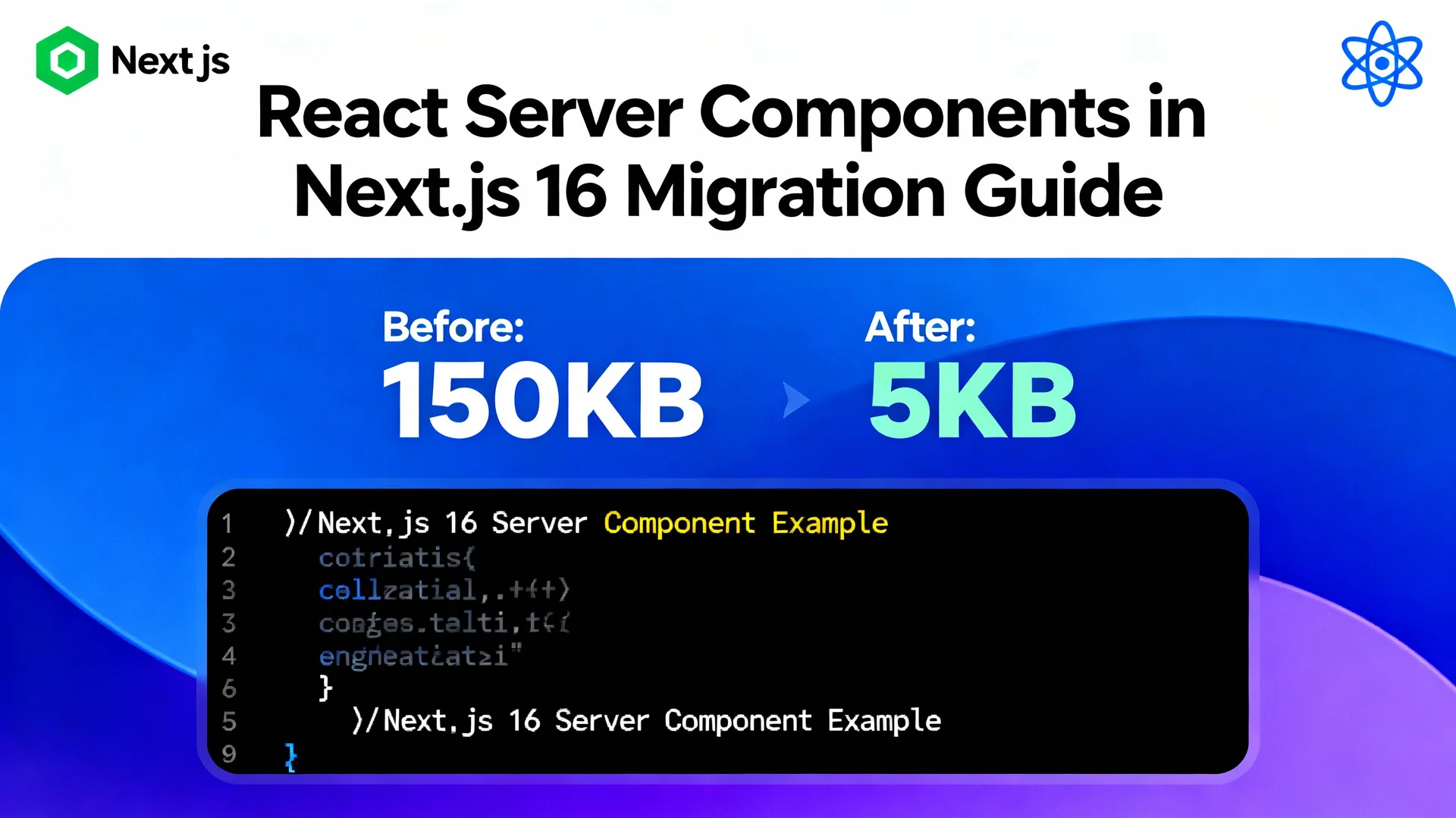
- Prefer Server Components: Move heavy logic and layout into React Server Components. This sends less JavaScript to the browser and keeps the main thread light.
- Control scripts with
next/script: Load third party tools withstrategy="lazyOnload"orstrategy="worker"so they do not block user input. - Optimise routing: Use the App Router with nested layouts so only changed segments update on navigation.
Updated example with 2026 loading attributes and code splitting:
// Next.js 2026 Strategy: Prioritising Critical Interaction
import { Suspense } from 'react';
import { StaticHeader } from './header';
const DynamicCart = import('./cart'); // Code split for INP

export default function Page() {
  return (
    <>
      <StaticHeader />
      {/* Priority loading for LCP element */}
      <img src="/hero.jpg" fetchpriority="high" alt="Dashboard preview showing performance metrics" />

      <Suspense fallback={<CartSkeleton />}>
        <DynamicCart />
      </Suspense>
    </>
  );
}
Key idea: the main content and key visual load with high priority, while lower priority interactive parts stream in without blocking the main thread.
2. Astro: Content Sites and Local SEO
Best for: Marketing sites, blogs, local service and professional sites where content and SEO matter most.
Typical risks: Hydrating too many islands or shipping heavy components when simple HTML would do.
Tuning checklist:
- Use Astro for most content: Let Astro output plain HTML for text heavy pages so the default is almost zero JavaScript.
- Limit islands to true interactions: Use islands only for menus, forms, or parts that must be interactive.
- Delay hydration: For non critical widgets, use client directives like
client:idleso they load after first paint. - Prefetch internal links: Turn on prefetch for links in the viewport to make navigation feel instant.
Astro also works very well with structured data. You can embed JSON LD for TechArticle, Service and LocalBusiness so that AI crawlers see clear information about your business, services and location.
3. SvelteKit: Interactive Dashboards and Tools
Best for: Real time dashboards, booking systems and tools with frequent interactions.
Typical risks: Data loading patterns that block the UI, and large client side stores that hurt INP.
Tuning checklist:
- Upgrade to Svelte 5: Svelte 5 Runes use fine grained reactivity to eliminate unnecessary virtual DOM diffing, which is a common cause of poor mobile INP.
- Stream data where possible: Return promises from load functions so the UI can show a skeleton while data streams in.
- Optimise head order: Make sure preload tags for fonts and critical CSS are at the top of the head.
- Keep stores lean: Avoid large global stores that trigger re renders across the whole app on each change.
With these patterns, SvelteKit can deliver app like experiences that still respect Core Web Vitals.
Section 3: Edge, Latency and the Australian Context
For users in Darwin and across the NT, network latency is a real constraint. Even if your code is clean, a request that must travel to a single data centre in Sydney will add delay.
In 2026, good performance means using edge computing:
- Edge functions and middleware: Run logic at the edge using Vercel Edge Functions, Cloudflare Workers or similar.
- Geo routing: Serve users from the closest region to cut round trip time.
- Caching at the edge: Cache HTML, JSON and assets in edge locations to reduce time to first byte.
For Australian SMBs, this is a practical way to keep INP and LCP healthy, even when users are on mobile networks or working from regional locations.
Section 4: Simple Framework Decision Guide for Australian SMBs
Use this table as a starting point. The right choice also depends on your internal team and systems, but these patterns fit most small and medium businesses.
| If your business is... | Main constraint | Framework to start with | Why it fits 2026 AEO and INP |
|---|---|---|---|
| Local service (plumber, legal, trades) | Need local leads and map visibility | Astro | Very light HTML, simple AEO, strong Core Web Vitals and easy LocalBusiness schema. |
| E commerce or retail with online store | Need stable conversions and dynamic content | Next.js | Handles product feeds, personalisation and analytics while still passing Core Web Vitals when tuned. |
| SaaS or internal operations tool | Need fast, app like interfaces all day | SvelteKit | Fine grained reactivity gives very low INP for frequent interactions. |
If you are unsure, a common pattern is Astro for the main marketing site and Next.js or SvelteKit for the app or portal.
Section 5: The Hrishi Digital Advantage – Schema, Accessibility and AI Readiness
Hrishi Digital Solutions focuses on performance, semantics and AI readiness as part of every build.
Key parts of our approach:
- Structured data and schema: We implement JSON LD schema for
TechArticle,SoftwareApplication,ServiceandLocalBusinesswhere relevant. This creates clear AI breadcrumbs so answer engines and RAG systems can classify and reuse your content. - Semantic and accessible HTML: We design logical headings, semantic tags and consistent aria attributes. This improves usability and makes it easier for AI agents to ingest your site into their knowledge graphs.
- Edge aware deployments: We deploy to platforms that support edge functions and regional routing. This reduces latency for users in Darwin, across the NT and wider Australia.
- Alt text and visual optimisation: We add descriptive, keyword aware alt text for key diagrams and screenshots. This helps your content surface in visual answer results and supports assistive tools.
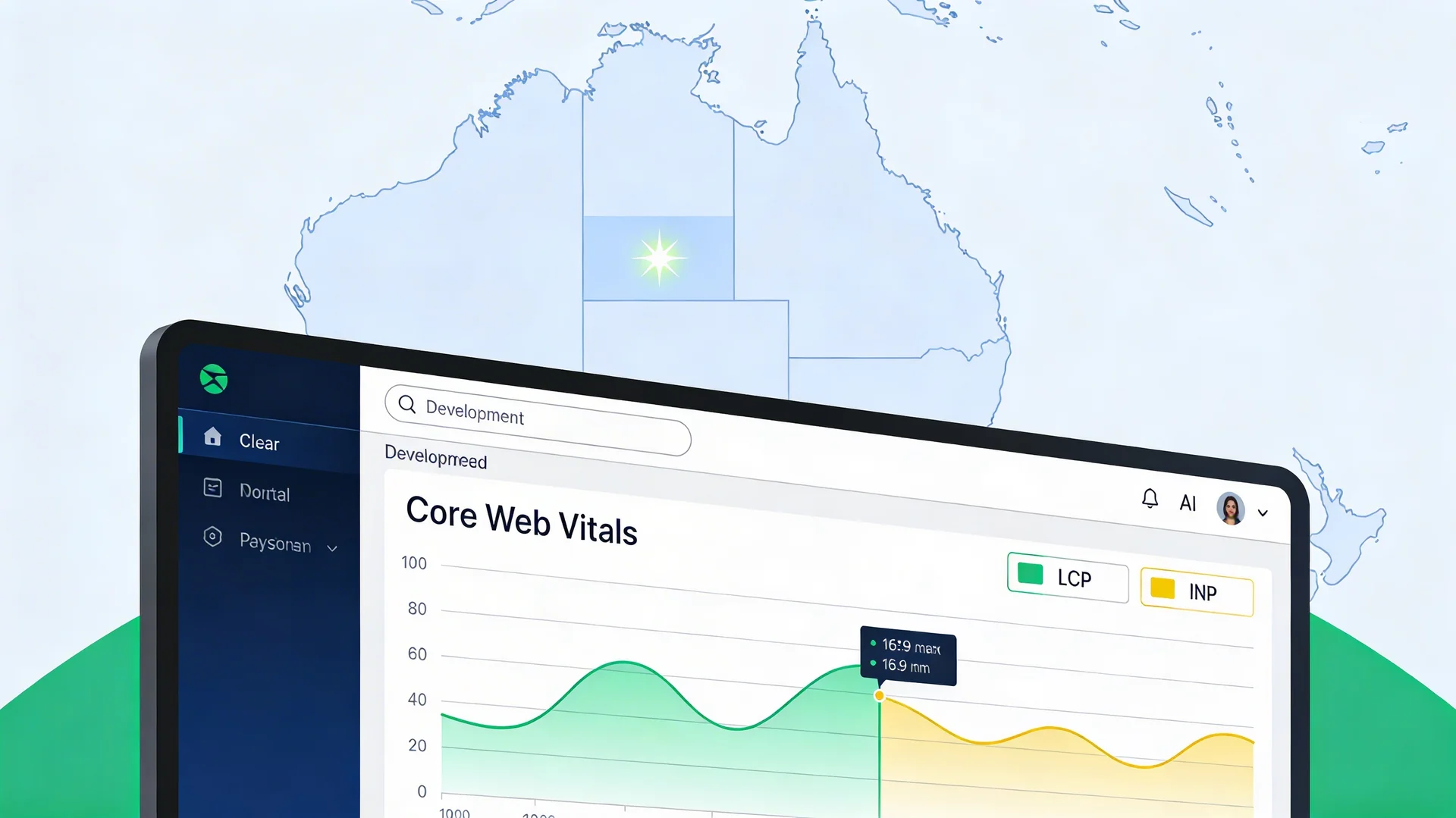
- Continuous monitoring: We set up dashboards for Core Web Vitals, including INP, so you can see real user performance and catch regressions early.
Together, these practices ensure your site is not only fast but also discoverable and trustworthy for both humans and AI.
Section 6: What to Do Next – Simple Checklist
Use this quick checklist to see if you need help with AEO and performance.
- Your PageSpeed report shows INP or LCP in the "needs improvement" or "poor" range.
- Your site was built as a single page React app without server rendering.
- You have many third party scripts and do not know which ones are slowing things down.
- You have no JSON LD schema or are unsure what schema types you use.
- Your images have missing or very short alt text.
If two or more of these are true, it is time to review your frontend stack.
Conclusion and Call to Action
The web in 2026 rewards sites that are fast, semantically rich and accessible. Core Web Vitals, INP and AEO are not just technical buzzwords. They are now the way search engines decide whose content to show in human search results and AI generated answers.
Next.js, Astro and SvelteKit can all support these goals. The real value comes from tuning them for your business, your audience and your region.
If you are an Australian SMB owner or IT lead looking to build a strong online presence and want to know if your site is ready for AI driven search, this is the next step.
Get an AI readiness and performance audit from Hrishi Digital Solutions.
We will review your current stack, Core Web Vitals, schema, accessibility and deployment strategy, then give you a clear plan to move toward AEO and INP compliance. Our web application development services cover performance tuning, framework selection and AEO-ready builds.
Contact Hrishi Digital Solutions to book your AI readiness and performance audit
Hrishi Digital Solutions
Expert digital solutions provider specializing in modern web development, cloud architecture, and digital transformation.
Contact Us →