Why AI Agents Work Better with Bash Than Fancy Protocols
The OpenClaw approach proves command-line interfaces beat structured protocols for AI agents. Here's why bash wins on tokens, composability, and results.

There's a debate happening right now in the AI agent space that sounds kind of backwards at first. Peter Steinberger, who built OpenClaw (the open-source personal agent that exploded to 190k GitHub stars in weeks), has been saying something that makes protocol designers uncomfortable: "MCP was a mistake. Bash is better."
If you've been following the AI tooling space, that probably sounds wrong. We've spent years building structured APIs, schemas, and protocols to make software interoperable. Now someone's saying the best interface for AI agents is... the command line? The same bash that's been around since 1989?
Yeah. And the results are hard to argue with.
What We're Actually Comparing
Before we get into why this matters, let's be clear about what we're talking about.
MCP (Model Context Protocol) is Anthropic's approach to connecting AI agents to external tools. You build a server that exposes functions through JSON schemas, kind of like advanced function calling. The agent gets a structured menu of "here's what I can do" with typed parameters and return values. Companies like Anthropic and Cursor have been pushing this as the standard way to extend agent capabilities.
CLI approach is simpler on the surface: give your agent shell access and let it use command-line tools the same way you would. Run gh issue list to see GitHub issues. Pipe output through jq to filter JSON. Chain commands with &&. You know, regular Unix stuff.
The question is which one actually works better when you're building agents that need to do real work.
The Token Problem Nobody Talks About
Here's something that hit me when I started looking at MCP implementations: they're incredibly chatty.
An MCP server for something like weather might expose a function get_weather(location, units) that returns a massive JSON object. Current temp, feels like, humidity, wind speed, UV index, 5-day forecast, the works. That's great if you need all of it. But what if your agent just wants to know if it's raining right now?
With MCP, the agent still has to:
- Process the full schema describing all available weather functions
- Make the structured call
- Receive and parse the entire JSON response
- Extract the one field it actually needs
That's thousands of tokens. In some reported cases, MCP schemas alone are dumping 50k+ tokens into the context window before the agent even does anything.
Compare that to: weather --current | grep "rain"
The filtering happens before the data hits the agent's context. You're not paying for information you don't need. When you're running hundreds or thousands of agent operations, this adds up fast. We're talking 10-20x differences in context usage for common operations.
LLMs Already Speak Bash
This is the part that clicked for me. These models were trained on trillions of lines of code, including millions of shell scripts, man pages, Stack Overflow answers about Unix tools, and GitHub repos full of automation scripts.
GPT-4, Claude, and similar models already know how to use git, aws, docker, grep, jq, and hundreds of other CLIs. They don't need to learn a new protocol. They just need permission to run commands.
When an agent encounters a new CLI tool, it can run tool --help and figure out the interface instantly. No schema definition needed. No maintaining an MCP server that might drift out of sync with the actual tool. The documentation is built into the tool itself, and the agent already knows how to read it.
I tested this with a simple experiment: asked Claude to use a CLI tool it had never seen before (a custom internal tool with good help text). It ran --help, read the output, and successfully used the tool on the first try. No function definitions, no type schemas, no server setup.
Unix Composability Is Actually Important
One of the things that makes Unix tools powerful is that they compose. You can pipe the output of one tool into another, use && to chain operations, redirect to files, and build complex workflows from simple pieces.
MCP calls don't compose naturally. Each function is isolated. If you want to take the output of one MCP tool and feed it to another, you need the agent to make separate structured calls and manually connect them. It works, but it's clunky.
With bash, the agent can write things like:
gh issue list --label bug --json number,title |
  jq -r '.[] | select(.title | contains("auth")) | .number' |
  xargs -I {} gh issue view {} --json body
That's discovering all auth-related bugs and viewing their details in one pipeline. Try expressing that workflow through individual MCP function calls.
The agent thinks in terms of data flow. Bash lets it work that way naturally.
How OpenClaw Actually Does This
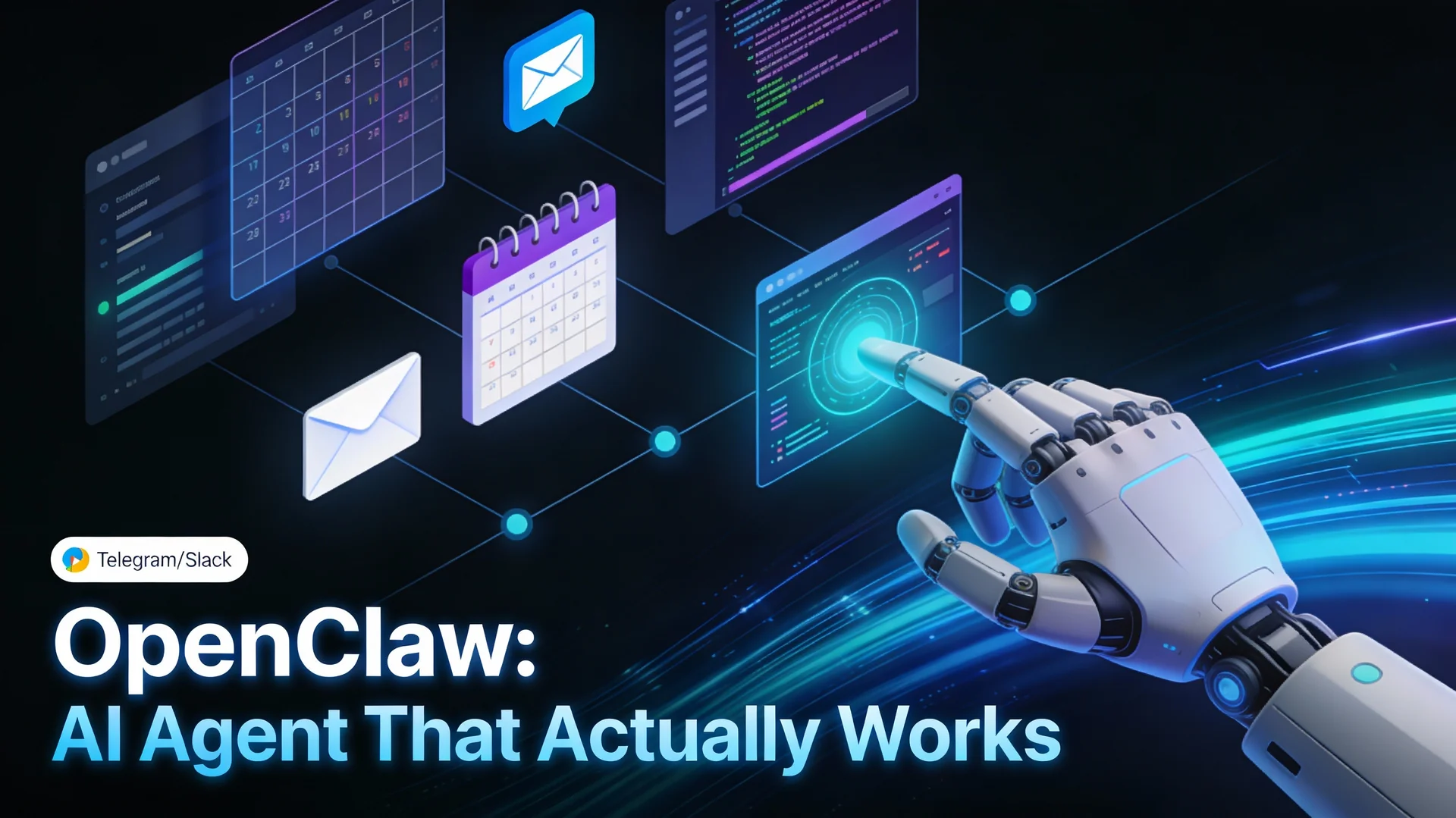
Peter Steinberger's approach with OpenClaw is worth understanding because it's proven at scale. The project went viral specifically because it "actually does things" - sending iMessages, booking flights, managing calendars, all from a chat interface.
The architecture is surprisingly simple:
Shell Access in a Sandbox
OpenClaw gives the agent full terminal access, but runs it in a Docker container with restricted permissions. The agent can run any command, but destructive operations require human approval. This is the key security model: isolation, not restriction.
An Army of Focused CLIs
Instead of building MCP servers, OpenClaw uses or builds simple CLI tools. Some are official tools (gh, aws, gcloud). Others are custom builds for specific needs:
imsgfor iMessage (including reactions and typing indicators)goplacesfor Google Maps queries- Custom wrappers for APIs that don't have good CLIs
Each tool follows the same pattern: excellent --help documentation, --json output flags, consistent command structure, and clear error messages.
Skill Files for Guidance
This is the part that makes it work smoothly. For each tool or domain, there's a Markdown file (SKILL.md) that tells the agent how to approach tasks. If you use Claude Code, this concept maps directly to how CLAUDE.md, Skills, and Slash Commands work to guide the model toward correct behavior:
---
name: GitHub Management
description: Creating issues, PRs, and managing repositories
when_to_use: When the user mentions GitHub, issues, pull requests, or code review
---

You have access to the `gh` CLI. Common patterns:

List open issues: `gh issue list --state open`
Create an issue: `gh issue create --title "..." --body "..."`
View PR details: `gh pr view 123 --json title,body,reviews`

Gotcha: Always check repo context with `git remote -v` first.
The `--json` flag is your friend for parsing output.
The agent reads these skill files, tries commands, sees the output, and iterates. It's learning by doing, the same way you learned bash.
Iteration and Feedback
When something doesn't work, the agent sees the error message and tries again. This is huge. With MCP, if a function call fails, you get a structured error that might not include the context you need to debug. With CLI, you get the full stderr output, which usually tells you exactly what went wrong.
The Tradeoffs You Need to Know
I'm not going to pretend CLI is perfect for everything. There are real reasons MCP exists.
Security is harder. When you give an agent shell access, you're giving it a lot of power. The sandbox needs to be solid. Docker containers help, but you still need to think carefully about what commands can run without approval. MCP lets you scope permissions at the function level, which is cleaner for some use cases.
Type safety disappears. MCP schemas give you typed parameters and validation. With CLI, everything's strings and exit codes. You're trusting the agent to parse output correctly. In practice, this works better than you'd think (LLMs are good at parsing text), but it's not as bulletproof as typed interfaces.
Enterprise integration can be messier. If you're connecting to a complex internal system with strict access controls, building an MCP server with proper auth might be cleaner than trying to wrap it in a CLI. For very stateful, transactional operations, the structured approach has advantages. Our production-ready AI agents guide covers the governance frameworks enterprises need before giving agents write access to business-critical systems.
Not every tool has a good CLI. Some APIs just work better as APIs. GraphQL endpoints, WebSocket connections, streaming data - these don't map cleanly to command-line tools. You can build CLI wrappers, but at some point you're fighting the abstraction.
When to Use Which Approach
After looking at this from multiple angles, here's my take on when each makes sense:
Use CLI when:
- You're building personal or development agents that need to interact with common tools (git, cloud providers, databases)
- Token efficiency matters (high-volume operations, cost-sensitive deployments)
- You want the agent to discover and learn tools dynamically
- Your use cases benefit from Unix composability (data processing, automation workflows)
- You're okay with sandbox security models
Use MCP when:
- You need fine-grained permission controls that are hard to express in a sandbox
- You're building for non-technical users who shouldn't have shell concepts exposed
- Your tools have complex state management or transactions that benefit from structured protocols
- You're integrating with enterprise systems that require strict API contracts
- Type safety and validation are critical for your use case
Hybrid approach:
Peter's team built mcporter, which converts MCP servers to CLI wrappers. This gives you the best of both worlds: use MCP where it makes sense, but expose it through a CLI interface for the agent. The agent gets Unix composability and token efficiency, while you keep structured APIs under the hood.
What This Means for Agent Development
The broader point here is that we might have been overthinking this. AI agents don't need special protocols. They need good tools and clear documentation. As the shift toward autonomous AI agents accelerates in 2026, the teams winning aren't building more complex tooling layers - they're simplifying them.
If you're building something for agents to use:
- Make a CLI with excellent help text and JSON output
- Write a simple SKILL.md explaining common patterns and gotchas
- Let the agent figure out the details
This works because LLMs are already amazing at bash. We don't need to retrain them on new protocols when they're already fluent in a language that's been refined over decades.
Andrej Karpathy recently posted about needing "AI-native CLIs" everywhere. The industry seems to be converging on this. Not because bash is trendy, but because it actually works better for how agents think and operate.
The fact that OpenClaw hit 190k stars and Peter got hired by OpenAI to work on personal agents suggests this approach has legs. Sometimes the old ways are old because they got things right.
Getting Started
If you want to try this yourself, you don't need to build everything from scratch. OpenClaw is open source and does all of this out of the box - including Docker sandboxing, skill files, and multi-messaging-app integration. Or you can add a sandboxed bash tool to Claude or your custom agent setup, drop in some SKILL.md files, and start experimenting.
The shift from "build an MCP server" to "build a good CLI" is simpler than it sounds. Most of the work is just writing clear help text and thinking about how commands should compose.
And honestly? That's probably effort better spent than maintaining yet another protocol server that might be obsolete in six months anyway.
Additional Resources
On this site:
- OpenClaw: Your AI Agent That Actually Gets Things Done - Setup guide, security hardening, and real use cases for the tool behind this debate
- Production-Ready AI Agents: The 2026 Reality Check - Governance frameworks and failure patterns before you hand agents write access
- Autonomous AI Agents in 2026 - The broader shift from automation to agentic intelligence
- Building AI Agents with n8n - Practical implementation guide for workflow-based agent architecture
- CLAUDE.md vs Skills vs Slash Commands - How skill files work in Claude Code, the same concept as OpenClaw's SKILL.md
External references:
- OpenClaw GitHub Repository - The open-source personal AI agent that started this debate
- Model Context Protocol Documentation - Official MCP specs and implementation guides
- Advanced Bash-Scripting Guide - Deep dive into bash capabilities for agent development
- Anthropic's Claude API Documentation - Reference for implementing agents with function calling
The CLI vs MCP debate is still evolving, and different use cases will probably settle on different answers. But if you're building agents that need to do real work efficiently, the OpenClaw approach is worth studying. Sometimes the best new tool is just letting agents use the old tools better.
Thinking about adding AI agent capabilities to your development workflow or enterprise systems? Hrishi Digital Solutions works with businesses across Australia to design and implement smart automation and AI integration that fits your actual technical context. Whether you are evaluating CLI-first agents, MCP tooling, or hybrid approaches, we can help you avoid the common pitfalls and build something that holds up in production. Contact us for a free 30-minute consultation.
Hrishi Digital Solutions
Expert digital solutions provider specializing in modern web development, cloud architecture, and digital transformation.
Contact Us →